How Parents Can Monitor Attendance Using Palm Beach Portal
Learn how parents can monitor attendance using the Palm Beach Portal with SIS Gateway, absence tracking, tardy checks, excused notes, and easy daily attendance habits.
For parents, attendance is one of the most important things to monitor.
A missed class today can quickly become:
- missing homework
- low grades
- quiz problems
- behavior concerns
- long-term absences
That’s why the Palm Beach Portal makes attendance tracking simple.
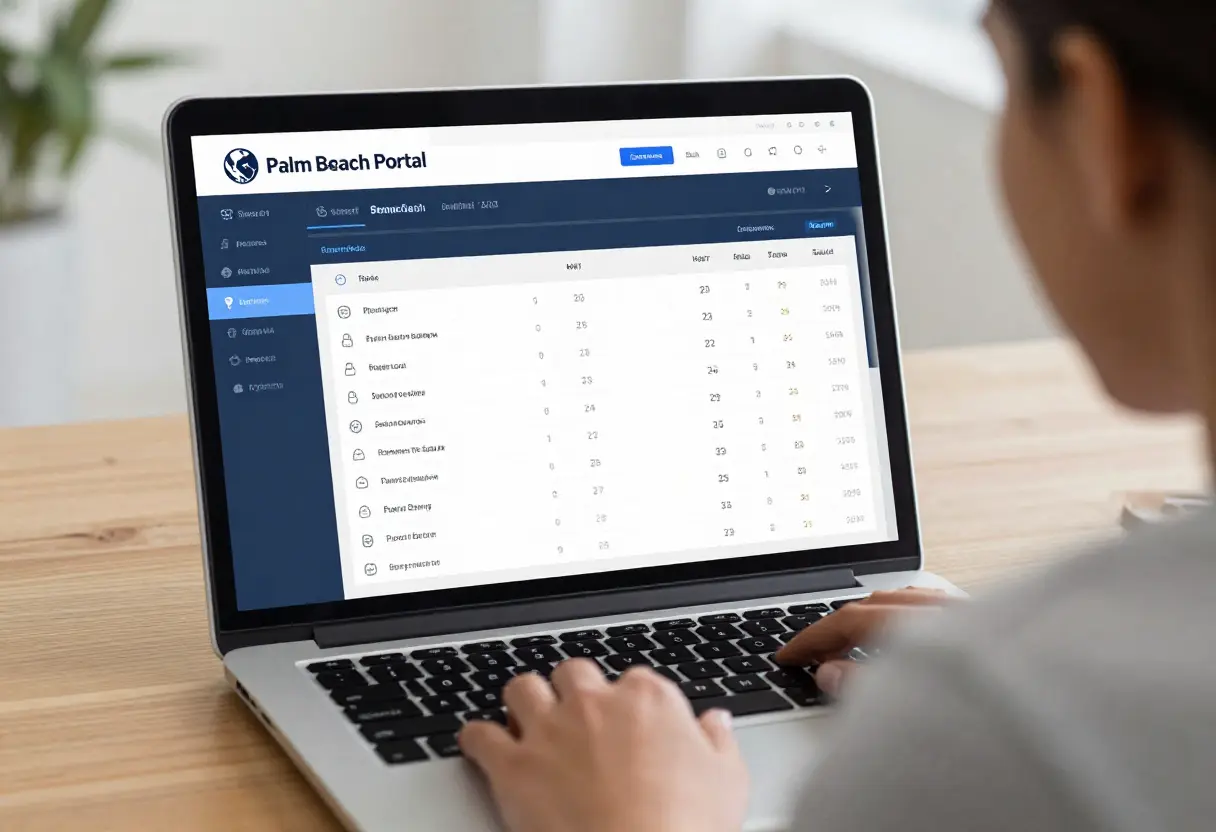
The Palm Beach SIS Parent Gateway gives parents timely access to their child’s attendance, tardies, grades, and schedule in one place.
So instead of waiting for a school phone call, parents can check attendance in real time.
Log In to the Parent Login Palm Beach Portal
The fastest way to monitor attendance is through the parent login palm beach portal.
Steps:
- open the SIS Parent Gateway
- sign in with your parent account
- select your child
- open the homepage
- review attendance section
The district confirms the homepage shows absences (excused and unexcused) plus tardies right next to grades and teacher names.
This means parents can spot problems in seconds.
Check Attendance on the Homepage First
The Palm Beach Portal homepage is the easiest place to start.
It normally displays:
- total absences
- excused absences
- unexcused absences
- tardies
- recent attendance changes
- teacher list
This quick overview helps parents notice patterns early.
For example:
- repeated Monday absences
- first-period tardies
- missed classes after lunch
- sudden weekly increase
Tiny patterns often reveal bigger issues.
Build a Daily Parent Attendance Routine
The smartest way to use the palm beach portal dashboard is with a simple routine.
Best Daily Routine
Every evening:
- log in
- check absences
- review tardies
- compare with your child’s explanation
- confirm any doctor note submission
This takes less than two minutes.
But it can prevent serious attendance problems later.
A tiny daily check can save a lot of stress, right?
Watch for Tardy Patterns
Parents often focus only on absences.
But tardies matter too.
Inside the Palm Beach Portal, tardies appear alongside absences on the SIS homepage.
Watch for patterns like:
- late first period every day
- repeated lunch tardies
- transportation delays
- same class always late
These patterns can affect:
- grades
- teacher perception
- behavior reports
- exam readiness
Sometimes the issue is not skipping school—it’s poor time management.
Check Excused vs Unexcused Absences
This is very important.
A parent may know the child missed school, but the portal may still show it as unexcused.
That usually means:
- doctor note not submitted
- office still processing
- parent note missing
- wrong date entered
The student information system clearly separates excused and unexcused attendance summaries for parents.
So always verify the absence type.
A small paperwork delay can create unnecessary truancy warnings.
Monitor Attendance After Sick Days
After illness, parents should check the portal again the next day.
Best things to verify:
- absence posted correctly
- doctor note updated
- excused status changed
- partial day recorded
- early dismissal noted
Sometimes the office needs extra time.
But checking quickly helps catch mistakes before they pile up.
Use Attendance Checks with Grade Monitoring
Attendance and grades are closely connected.
The Palm Beach Portal makes this easy because parents can see:
- attendance
- grades
- assignments
- teachers
- class performance
all from the same homepage.
A smart parent habit is:
- notice absence
- check missed assignments
- review grade drop
- contact teacher early
This creates faster academic support.
Monitor Multiple Children in One Account
One of the best features is that parents can add multiple students.
The district confirms parents can add another student to the same Gateway account with the school PIN.
This makes attendance monitoring easier for families with:
- siblings
- twins
- middle + high school students
- elementary + secondary mix
Instead of separate logins, one account shows all children.
That’s a huge time saver.
Use Palm Beach Portal Mobile Access for Quick Checks
Need to check attendance while at work?
The palm beach portal mobile access option works great for quick updates.
Best times to use it:
- after school pickup
- after school absence call
- during doctor appointment
- before submitting excuse note
- during parent-teacher conference
Mobile makes quick attendance checks very convenient.
For deeper review, laptop still feels easier.
When Parents Should Contact the School
Parents should contact the school if they notice:
- repeated wrong absences
- tardies marked by mistake
- doctor note not updated
- full day shown instead of partial
- attendance blank for more than one day
The school’s Gateway Manager or grade-level office can help correct SIS records.
Fast communication prevents bigger attendance problems.
Best Weekly Parent Attendance Workflow
Here’s the best long-term habit.
Weekly Routine
Every Sunday:
- review total absences
- count tardies
- compare previous week
- discuss with child
- plan transport improvements if needed
This keeps the family proactive.
And honestly, it helps students stay accountable too.
Conclusion
The best way parents can monitor attendance using the Palm Beach Portal is by checking the SIS Parent Gateway homepage daily for absences, tardies, and excused status.
The smartest workflow is:
- check every evening
- review tardy patterns
- confirm excused notes
- compare attendance with grades
- monitor all children from one account
- contact school quickly if something looks wrong
When parents use the portal consistently, attendance issues get solved much faster and students stay on track academically.
Want the next article in this SEO series? Send the next title and I’ll write another 1000+ word Google-rankable article in your exact checklist style.
FAQs
Where can parents see attendance in Palm Beach Portal?
Parents can log into the SIS Parent Gateway homepage, where absences and tardies are shown clearly.
Does Palm Beach Portal show excused and unexcused absences separately?
Yes, the system separates excused and unexcused attendance summaries.
Can parents monitor more than one child?
Yes, multiple students can be linked to one parent account using school-provided PINs.
How often should parents check attendance?
A quick daily evening check is the best routine.
What should parents do if attendance is wrong?
They should contact the school office or Gateway Manager so the SIS record can be corrected quickly.
You have not enough Humanizer words left. Upgrade your Surfer plan.